
By James Ballard
Date Published: June 20th, 2025
10 minutes
Introduction:
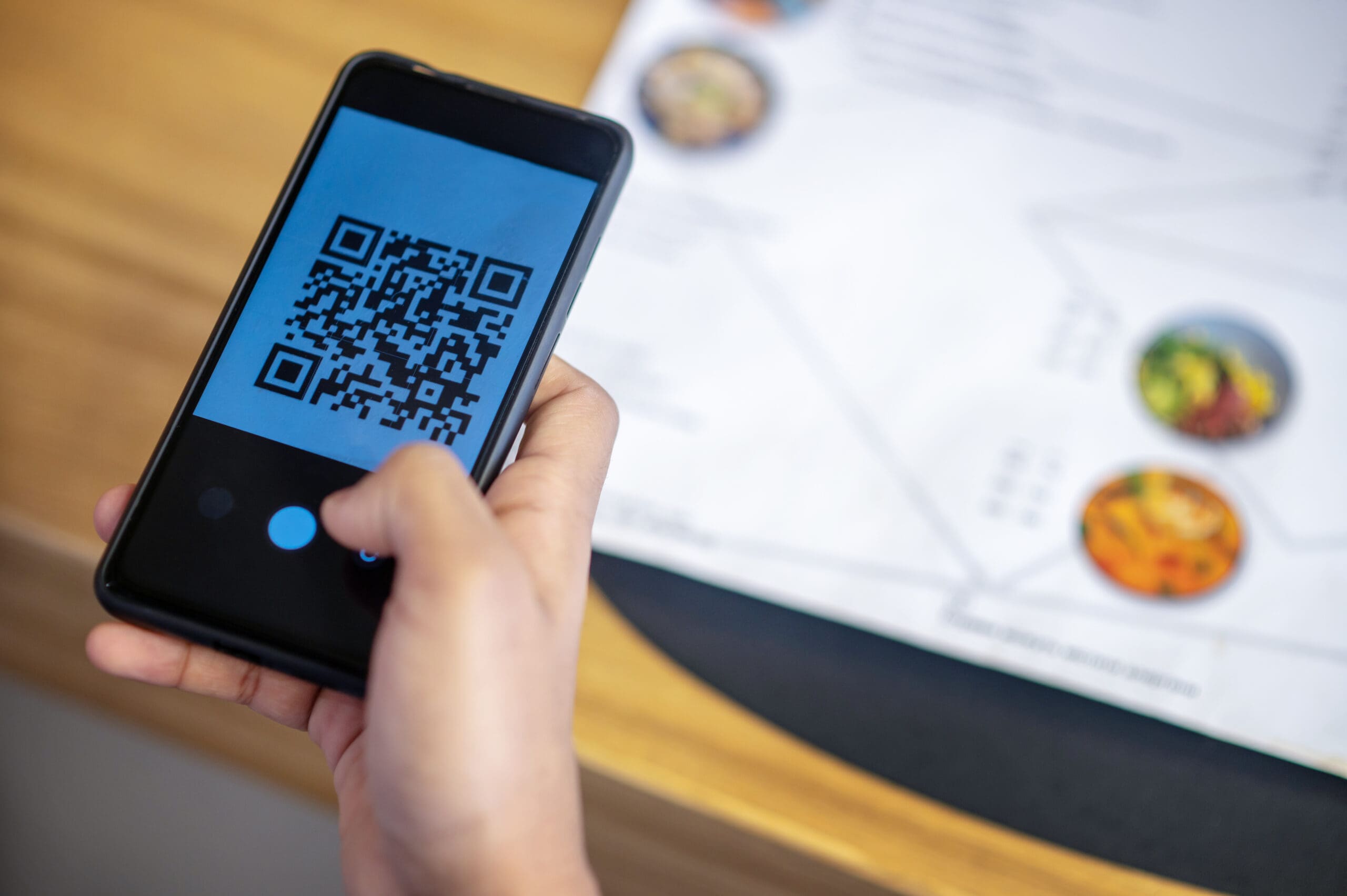
Lurking beneath the black-and-white matrix of seemingly harmless squares is a rapidly evolving threat that security experts are sounding the alarm on: QR code phishing, also known as “quishing.” This new form of attack is proving to be deceptively simple, wildly effective, and dangerously underestimated.
What is Quishing? The Digital Wolf in Sheep’s Clothing
Quishing is a targeted cyberattack that involves embedding malicious URLs inside QR codes. When scanned, the QR code directs users to counterfeit websites—often imitating trusted platforms like Microsoft, PayPal, or Apple ID portals—designed to:
- Steal login credentials
- Initiate unauthorized financial transactions
- Trick users into downloading malware
- Harvest personal information or sensitive business data
QR codes are particularly insidious for one reason: you can’t “see” the threat before scanning. While phishing links in an email might raise red flags due to a suspicious URL or poor grammar, a QR code visually masks all of that, effectively bypassing the visual cues we’ve been trained to detect.
Worse, most mobile devices automatically open the URL once scanned—giving users almost no time to react before the damage is done.
Real-World Case Studies: When Quishing Strikes
1. The 2,400% Surge in Fake Microsoft Alerts in the Energy Sector
In mid-2023, cybersecurity researchers at Cofense uncovered a startling trend: a coordinated campaign targeting a major U.S. energy company using fake Microsoft security notifications. The attack relied on QR codes embedded in emails that urged employees to update their security credentials.
The result? When scanned, the QR code led users to a pixel-perfect clone of Microsoft’s login page, where they unknowingly entered their corporate credentials—effectively handing them to the attacker.
The most disturbing part? The campaign saw a 2,400% increase in activity over just a few months, highlighting how rapidly quishing is becoming the go-to tool for modern cybercriminals.
2. Parking Meter Scams: A Real-Life Trojan Horse
Cities from Austin to Philadelphia have reported a strange new tactic: cybercriminals printing and placing fraudulent QR code stickers over legitimate payment portals on public parking meters. These rogue codes redirect drivers to spoofed payment pages—often mobile-optimized and convincingly branded.
Victims who input their card details were not just paying for a non-existent parking spot—they were also giving away sensitive financial information to anonymous scammers.
This is low-tech social engineering with high-stakes consequences, especially for tourists or elderly users unfamiliar with cyber hygiene.
3. Restaurants and Hospitality: Dining with a Side of Malware
Hospitality venues, particularly restaurants, were some of the earliest adopters of QR code menus. But that widespread use has made them prime targets for QR-based phishing.
In one documented incident, a hacker replaced the menu QR codes at a popular café with malicious ones. Customers who scanned the code were directed to a near-identical menu site that prompted them to download a “menu app”—which in reality, was spyware.
The fallout? Dozens of customers compromised, and the restaurant's reputation took a severe hit.
Why Quishing is So Dangerous
QR phishing isn’t just another passing scam—it’s a paradigm shift in how phishing is executed. Here’s why it’s uniquely dangerous:
- Invisible Malice
Unlike traditional links, you can’t preview or hover over a QR code to verify the destination. This removes the first line of defense for most users. - Ubiquitous and Trusted
QR codes are now found in virtually every vertical: restaurants, hospitals, airports, universities, gyms, and retail stores. People associate them with ease and safety—not danger. - Bypasses Email Filters
Because the URL is embedded inside an image (the QR code), it often bypasses traditional spam filters, antivirus programs, and firewalls designed to catch text-based links. - Psychological Exploitation
Cybercriminals understand human behavior. They know that if you see a QR code on a “security email” from Microsoft or a sticker on a public meter, you’re likely to act without questioning it. The sense of urgency (i.e., “Your account has been locked!”) drives impulsive action.
Who Is Most at Risk?
While everyone is a potential target, certain groups are especially vulnerable:
- Remote Workers scanning QR codes on company-issued emails
- Travelers and tourists using QR-based transit and hotel systems
- Senior citizens less familiar with digital threats
- Small businesses using low-cost print-based QR codes for marketing
- Corporate employees targeted via email or fake company portals
How to Protect Yourself and Your Organization from Quishing
1. Conduct QR Code Security Awareness Training
Regularly educate employees on:
- How to verify legitimate QR codes
- Red flags to watch for in emails and physical stickers
- The importance of using secure networks when scanning QR codes
Make “scan responsibly” a part of your organization's digital hygiene culture.
2. Scan with Caution—Always Check the URL
Before taking any action post-scan:
- Pause and inspect the URL
- Avoid domains with spelling errors, extra characters, or missing HTTPS
- Consider scanning codes with apps that allow URL previews before loading
3. Use Mobile Security Solutions
Install mobile security apps that offer:
- URL scanning
- QR code risk detection
- Browser protection
- Real-time phishing alerts
Top-tier cybersecurity platforms like Lookout, Norton, or Bitdefender have mobile offerings suited for businesses and individuals.
4. Disable Auto-Actions on Scanning Devices
Whenever possible, configure devices so that:
- QR codes do not auto-launch links
- Users are prompted to approve or verify the action before proceeding
This gives a crucial buffer window to stop a phishing attempt in its tracks.
5. Regularly Audit Public QR Code Displays
For businesses that display QR codes in public (menus, posters, windows):
- Use tamper-proof QR decals
- Periodically inspect codes to ensure they haven’t been swapped
- Consider using dynamic QR codes with back-end control and logging
6. Build a BYOQR (Bring Your Own QR) Policy
Organizations should consider deploying internal-use QR codes for:
- Document access
- HR functions
- IT support
By using an internal QR code generator, you maintain control over every endpoint and can track scanning behaviors for anomalies.
"Unlike traditional links, you can’t preview or hover over a QR code to verify the destination. This removes the first line of defense for most users."
A Checklist for Businesses: Protecting Against Quishing
- ✅ Run quarterly cybersecurity awareness sessions with a focus on QR phishing
- ✅ Implement a mobile device policy with required QR safety apps
- ✅ Install security layers to inspect and intercept phishing attempts
- ✅ Disable auto-redirection in scanning devices wherever feasible
- ✅ Create a protocol for reporting suspicious QR codes
- ✅ Establish a designated security officer to audit public codes and signage
Start working with our cybersecurity experts.
Conclusion: A Square Code with Global Consequences
QR codes were designed for efficiency—not for safety. As this technology becomes more integrated into the digital and physical world, cybercriminals are adapting faster than most users or businesses are preparing.
Quishing is no longer a fringe tactic. It’s a growing, data-hungry phenomenon that preys on convenience, trust, and split-second decisions.
The solution? Awareness, accountability, and adaptation.
Whether you're a solopreneur posting flyers or a security engineer safeguarding a global enterprise—take QR threats seriously. One unvetted scan could unravel your company’s data, finances, or credibility in seconds.
Don't just scan. Scrutinize.